Audit Logs
Audit Logs
For efficient monitoring and compliance InstaSafe ZTNA collects and maintains a large range of logs and reports. The different logs and reports available under Audit Section of the Dash board are:-
-
Recent Active Users
-
Max Concurrency Graph
-
Gateway Status
-
User Logins
-
Authentication Logs
-
Application Access Request
-
Application Recordings
-
Session Logs
-
Network Gateway Logs
-
Network Packet Logs
-
Events
-
T-OTP Status
-
Exports
The below video illustrates the various reports available in the InstaSafe Zero Trust platform for audit and monitoring.
- as illustrated in the video, in the "Recent Active Users", all the users connected from the ZTNA & the agent are displayed. Admins will have the control to logout a user from the agent remotely from the Admin console incase of any suspicious activity.
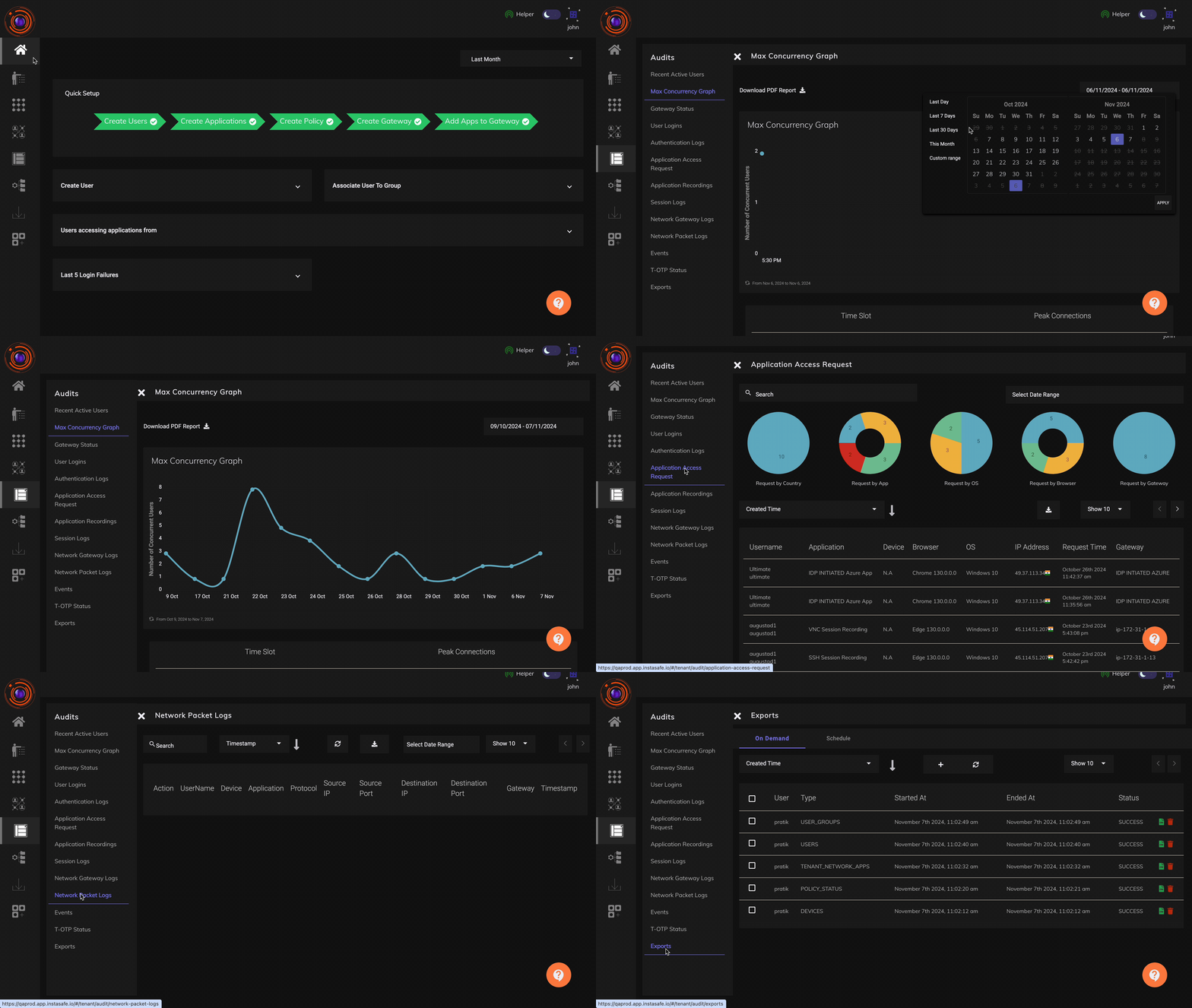
To download a report, Click on the download button.
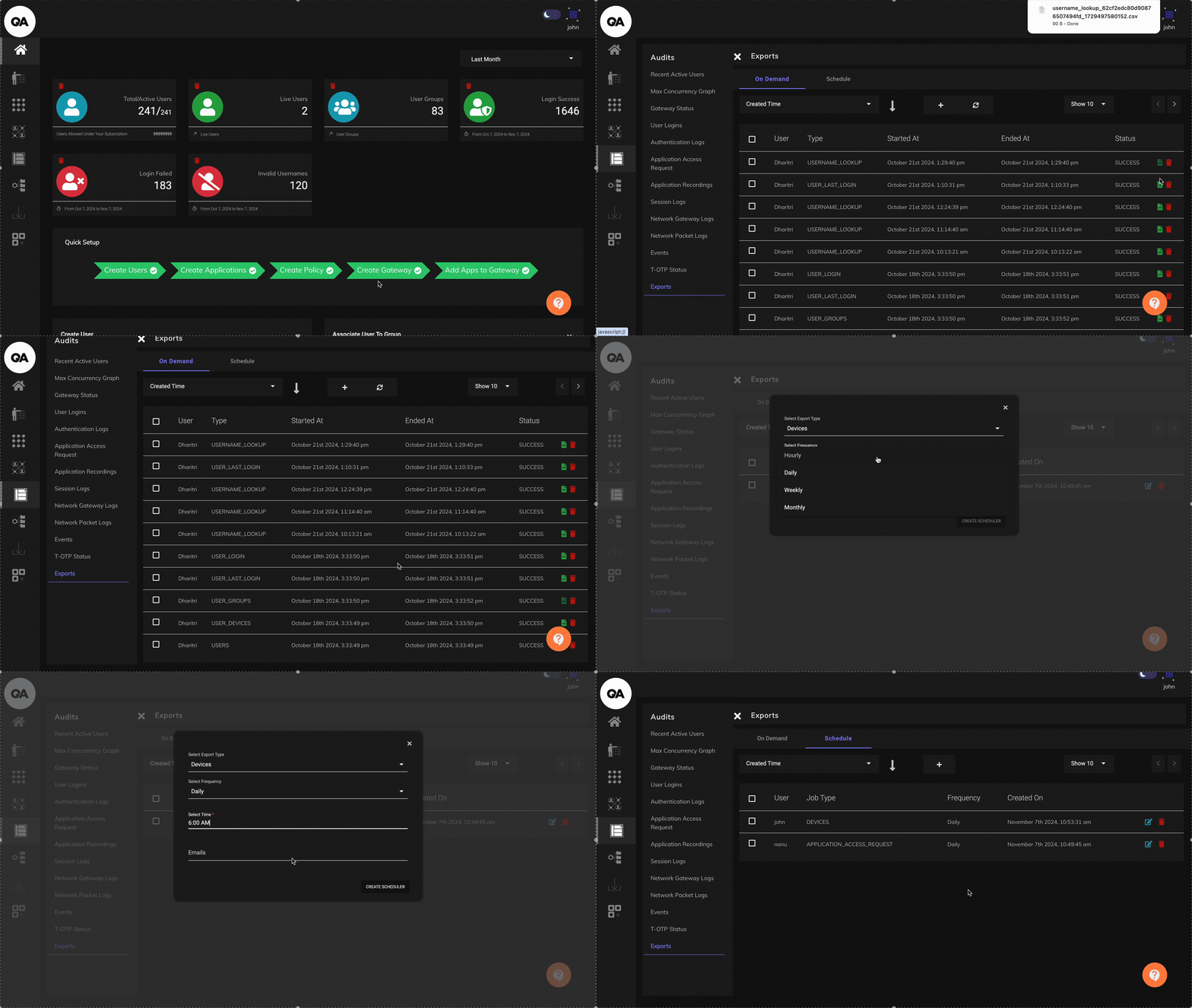
The below video illustrates how the various available Audit reports can be downloaded from the "Exports" section. Reports can also be scheduled to be delivered to the Admins by email at a configured frequency and time.
Restricting access by WAN IP, and the record of it
Access can be limited to named public IP addresses, separately for administrators and for users, so a sign-in from any other address is refused. The attempt and the address it came from are recorded in the logs described above, so the restriction is auditable and not only preventive. See Restricting Access by Public IP.